Git ReadMe
In order to personalize the Git page of my portfolio a bit more and to give more information about it, I've changed up the readme a bit. To get started with this, I first had to look up what markup the readme uses and found a handy page made by the Github team that explains it in a great way. The link to this page can be found
After finding all of this information I started to write my readme. I've decided to keep it simple to not distract from the main portfolio too much. I've added a version badge at the top using this website.
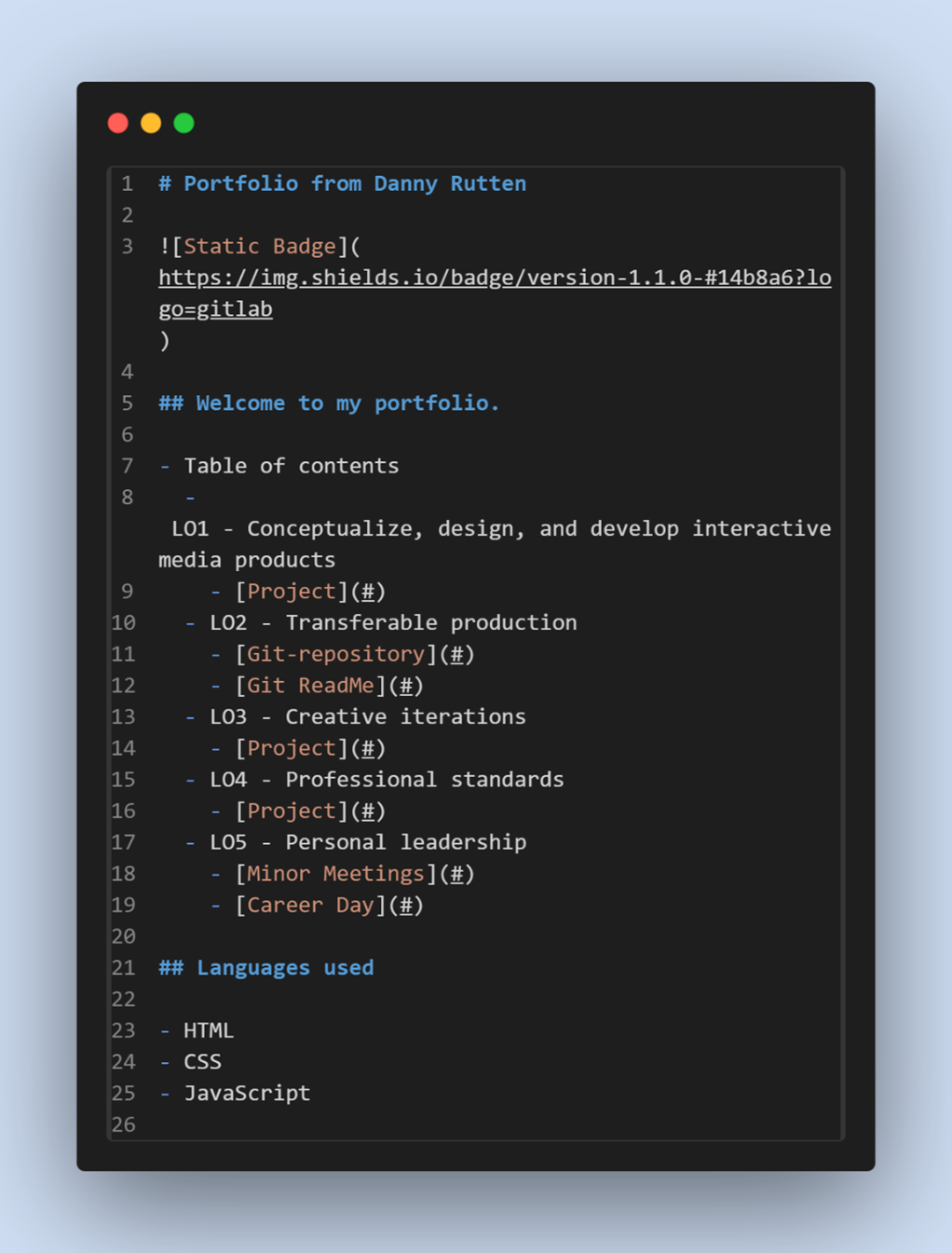
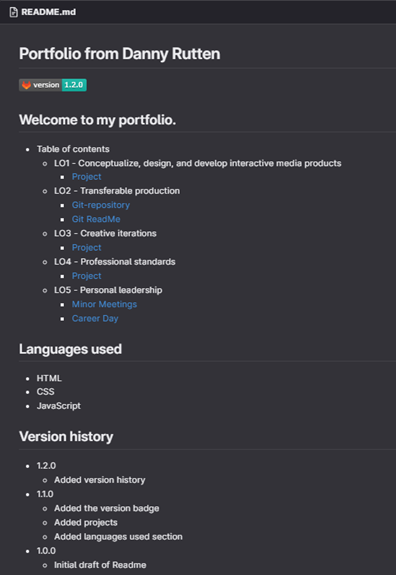
After this I found a website that has an editor with the markdown Github uses and decided to use this to get a base template going. I've decided that the best information I should have in the readme is some information about the contents of the portfolio, the languages used and a version control where I post all the updates I make to my portfolio. In image 1 you can see what the code look like in the VSCode editor and in Image 2 you can see what it looks like in Git.
After feedback
I've received some feedback on how I made my readme for this portfolio project after the 2nd portfolio review. The feedback I've gotten and what I've done with it can be found in LO3 / Git ReadMe iteration.